There's no single best ChatGPT model, because the models aren't competing for the same job. GPT-5.6 comes in three tiers, Sol, Terra, and Luna, and each one is built for a different kind of task and budget. Pick by what you're doing, not by which name sounds the most advanced.
Here's which model to reach for, task by task.
The quick answer
- Everyday chat, quick questions, drafts: Luna. It's free, unlimited for text chat, and fast.
- Complex coding, debugging, multi-file projects: Sol. Requires a Plus plan or higher.
- Deep research and professional knowledge work: Sol. OpenAI names scientific research and professional knowledge work as GPT-5.6's focus areas.
- High-volume business tasks (support replies, document analysis): Terra. Balances speed, quality, and cost.
- Image generation: Plus for accurate, complex images; Pro for unlimited, faster generation.
Best for coding: Sol
GPT-5.6 Sol is OpenAI's flagship model, and coding is where it's built to lead. It holds up across long-running tasks that touch multiple files, run tests, and need follow-up fixes, the kind of job that breaks a model without persistence. If you're using ChatGPT to build or debug software regularly, Sol through a Plus plan is the one worth paying for.
Best for research: Sol, again
For research-heavy work, deep analysis, and tasks where getting the details right matters more than getting an answer fast, Sol is the safer starting point. OpenAI has called out scientific research and professional knowledge work specifically as focus areas for the model.
Best for everyday writing and quick questions: Luna
Luna is the fastest and cheapest model in the lineup, and as of this month it's what runs unlimited text chat on ChatGPT's free plan. For drafting an email, summarizing an article, or asking a quick question, Luna is genuinely enough. You don't need to pay for Sol's depth on a task that doesn't need it.
Best for high-volume business work: Terra
Terra sits in the middle: built to balance speed, cost, and analytical capability for productivity and enterprise workflows. It's the model to reach for when you're running a lot of similar tasks, like sorting support tickets or analyzing a stack of documents, and paying Sol's rate for each one would add up fast without adding much.
Best for image generation: Plus, or Pro if you're doing it a lot
Free and Go plans get limited image generation. Plus adds more complex and accurate image creation. Pro removes the limit entirely: unlimited, faster image generation, plus image generation with extended thinking for prompts that need more care. If images are a small part of what you do, Plus covers it. If you're generating images all day, Pro's the one that won't slow you down.
How reasoning effort changes the cost, and the answer
Inside Sol, the reasoning-effort setting (Instant, Medium, High) changes how long the model thinks before answering, and that has a real cost impact. Developer Simon Willison tested this with a running benchmark: the same prompt cost anywhere from $0.0071 to $0.4855 to run, depending on the model and reasoning effort chosen. OpenAI's own advice matches that finding: start with the lowest reasoning setting available, and only raise it if the answer you get back isn't good enough.
Which plan actually gets you which model
Straight from OpenAI's pricing page:
- Free: unlimited text chat with Luna, limited image generation and research. This is a recent change: Free previously defaulted to GPT-5.5 Instant, and now runs on GPT-5.6 Luna instead.
- Go: more messages, uploads, and image generation than Free, still no Sol access in regular chat.
- Plus: opens full access to Sol and Terra, more complex image creation, expanded deep research, projects and scheduled tasks.
- Pro: Sol Pro (the highest-capability option), unlimited and faster image generation, maximum deep research and context.
Prices and plan details shift often enough that OpenAI's own pricing page is worth checking before you commit to a tier.
Bottom line
If you're not sure where to start, stay on Free or Go and let Luna handle daily writing and quick questions. The moment your work involves real coding, research, or anything where a wrong answer costs you time, Plus's access to Sol earns its price. And if you're running the same kind of task at volume, Terra keeps quality up without paying Sol's rate on every single one.
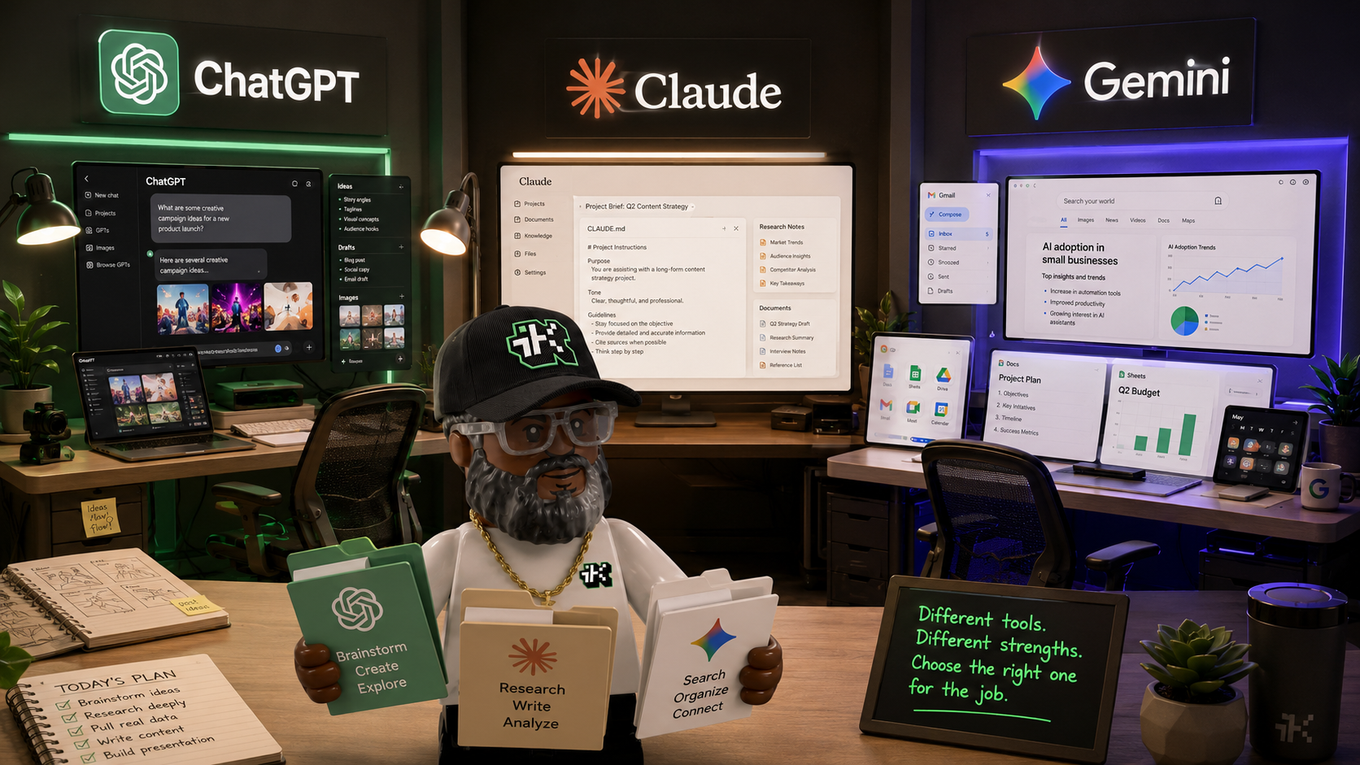
For the full breakdown of the GPT-5.6 lineup and what each reasoning-effort setting actually means, see ChatGPT models explained. For how these models compare to Claude and Gemini in real daily use, see how I actually use ChatGPT, Claude, and Gemini.
Sources:
openai.com: GPT-5.6 announcement ·
chatgpt.com: pricing and plan comparison ·
axios.com: finding your goldilocks GPT-5.6 model ·
simonwillison.net: GPT-5.6 cost and reasoning-effort benchmark