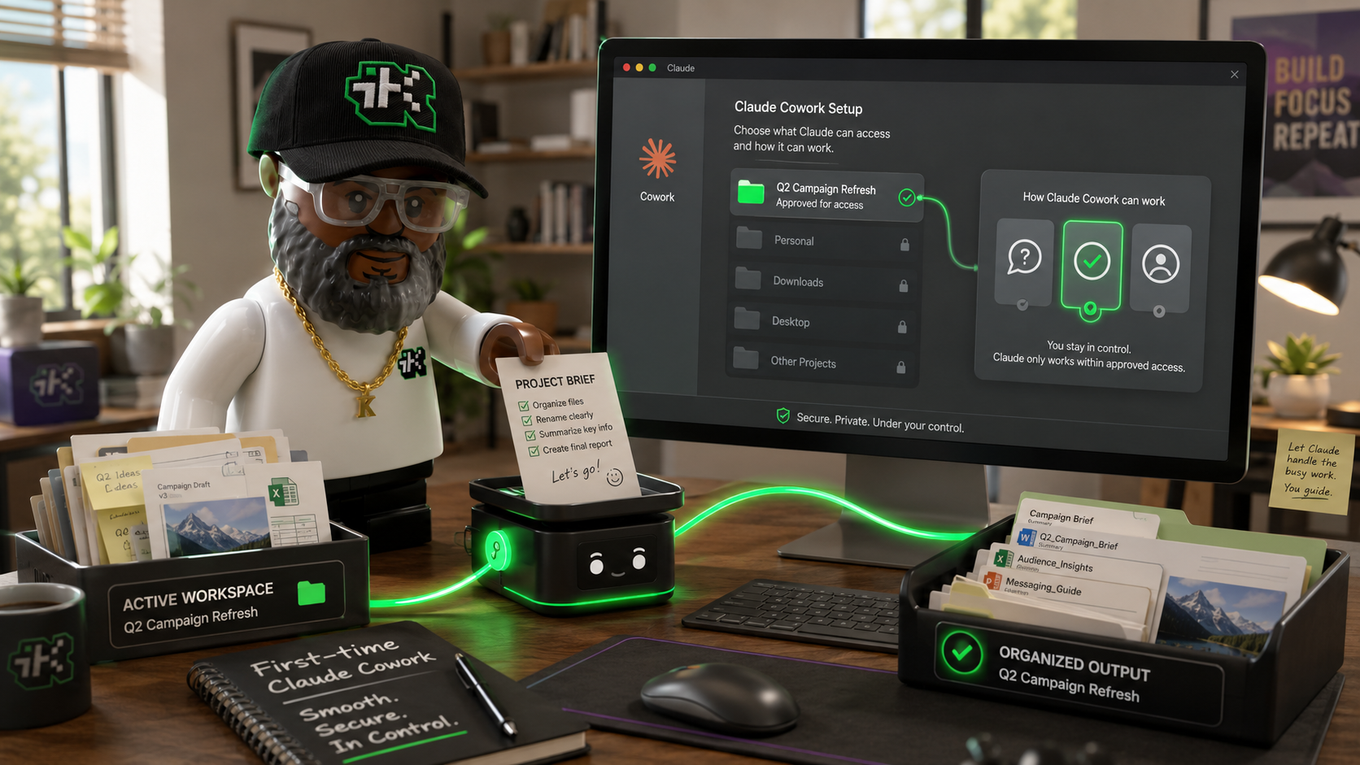
I build and maintain iTechnicallyKan.com almost entirely inside Claude Cowork: describing what a page needs, then letting Claude write the actual HTML, CSS, and JavaScript files directly into the folder that becomes this site. No drag-and-drop builder, no template license, no separate monthly site-building bill stacked on top of hosting. Here's the real four-part process, and what it costs to run it this way.
What Claude Cowork is
Claude Cowork is Anthropic's agentic mode inside the Claude app. Instead of describing how to do something, Claude does it directly, reading and writing files in a folder you point it at. It runs on the same underlying system as Claude Code, aimed at general work instead of a codebase. It's available on any paid Claude plan (Pro and up), through the desktop app, the web, or mobile, and it needs the desktop app open if a task touches your local files or browser.
What "free" really means here
Squarespace users got a clear reminder of what a monthly builder costs this July. Its Core plan, the most common one, jumped from $23 to $29 a month on an annual plan, a 26% increase, with users online pointing to AI features they never asked for as part of the reason.
Building with Cowork removes that specific bill. If you already pay for a Claude plan, there's no extra charge to design and build the site itself. You still need somewhere to host the finished files: a few dollars a month for basic hosting (this site runs on Hostinger), well under what an all-in-one builder charges for the same result. Free here means no recurring website-builder subscription, not zero cost anywhere in the chain.
The four-part process
Four things need to happen for a site to go from idea to found: get built, get findable, get secured, and get indexed. Cowork can carry real weight on all four if you're specific about what you ask for.
1. Describe the site you want
Being specific here saves rework later. Cowork builds what you describe, not what you meant. A prompt that names the tech stack and the exact pages you need, not just "build me a website," gets a far closer first draft.
Build a multi-page website for [your business]. Use [your tech
stack, i.e., HTML/CSS, or a framework like JS React or Ruby on
Rails] for the front end, and [your backend or hosting setup, if
you have one] for anything dynamic. Include a home page, an about
page, a services page, and a contact page with a working form.
Keep it mobile-friendly and use [brand colors].
2. Make it findable: SEO and llms.txt
A finished site with no visibility isn't finished. Two things matter here: the on-page basics search engines have used for years, and a newer file aimed at AI tools specifically. For the basics, ask Cowork to review the page the way a search engine would:
Review this page for SEO. Write a title tag under 60 characters
with the keyword near the front, a meta description between 150
and 160 characters that earns the click, and suggest H2 headers
that match how people search for [your topic].
Add an llms.txt file too, while you're at it. It's a small markdown file at your site's root that tells AI tools and coding agents what your site is about and where the useful content lives. I've written about what it does and doesn't do: it won't move your Google ranking or get you cited more in ChatGPT, since the file mostly gets read by coding agents like Claude Code and Cursor, not consumer AI search. It costs nothing to add, so there's no real reason to skip it when you're already building the site from scratch.
Create a plain-markdown llms.txt file for this site. Start with an
H1 for the site name, a one-sentence summary in a blockquote, then
list the most useful pages as markdown links with short
descriptions. Save it at the site root as llms.txt.
3. Audit the security
Owning the site means owning what's exposed on it too. A page builder used to handle basic security behind the scenes. Building your own files means checking for the same things yourself, once, before launch.
Review this website's code for security issues: exposed API keys
or credentials, unvalidated or unsanitized form inputs, missing
HTTPS enforcement, outdated dependencies with known
vulnerabilities, and any exposed files or folders that shouldn't
be public. Rank each issue by severity, and give me the exact fix
for each one before I launch.
Worth adding on top of that audit: a hidden honeypot field on your contact form, which catches spam bots without a CAPTCHA. I go deeper on how a honeypot field works, and what else to pair it with, in its own post, since it's worth understanding rather than just pasting in.
4. Get it indexed: Google Search Console
A live site nobody can find still isn't finished. Google can't index what it doesn't know exists, and Search Console is the free tool that tells it.
Walk me through verifying my site in Google Search Console step
by step, including which verification method fits my setup (HTML
file upload, meta tag, or DNS record). Then show me how to
generate and submit my sitemap.xml so Google can start crawling my
pages, and how to check whether a specific page has been indexed.
The full setup, including which reports to check afterward, is in its own post too.
Where a human still matters
For a brochure site, a portfolio, or a small business page, this covers the whole build. For anything with real complexity, a custom backend, payment processing, or traffic that needs to scale, hire a developer who's spent years in the code. Knowing where that line sits, and calling in help once you cross it, is part of doing this well.
The short version
Building a site with Claude Cowork comes down to four things: describe it clearly, make it findable with real SEO and an llms.txt file, audit it for the obvious security gaps, then verify and submit it in Google Search Console. None of it requires knowing how to code. All of it requires being specific about what you're asking for.
Want the deeper walkthroughs? Read more on llms.txt, website security basics, or Google Search Console. Building something and want a second pair of eyes on it? Send me a question, or see what I've built for other people.
Sources
- Anthropic, Claude Help Center, "Get started with Claude Cowork": https://support.claude.com/en/articles/13345190-get-started-with-claude-cowork
- PetaPixel, "Squarespace Is Increasing Prices By Up to 26%" (July 17, 2026): https://petapixel.com/2026/07/17/squarespace-is-increasing-prices-by-up-to-26/