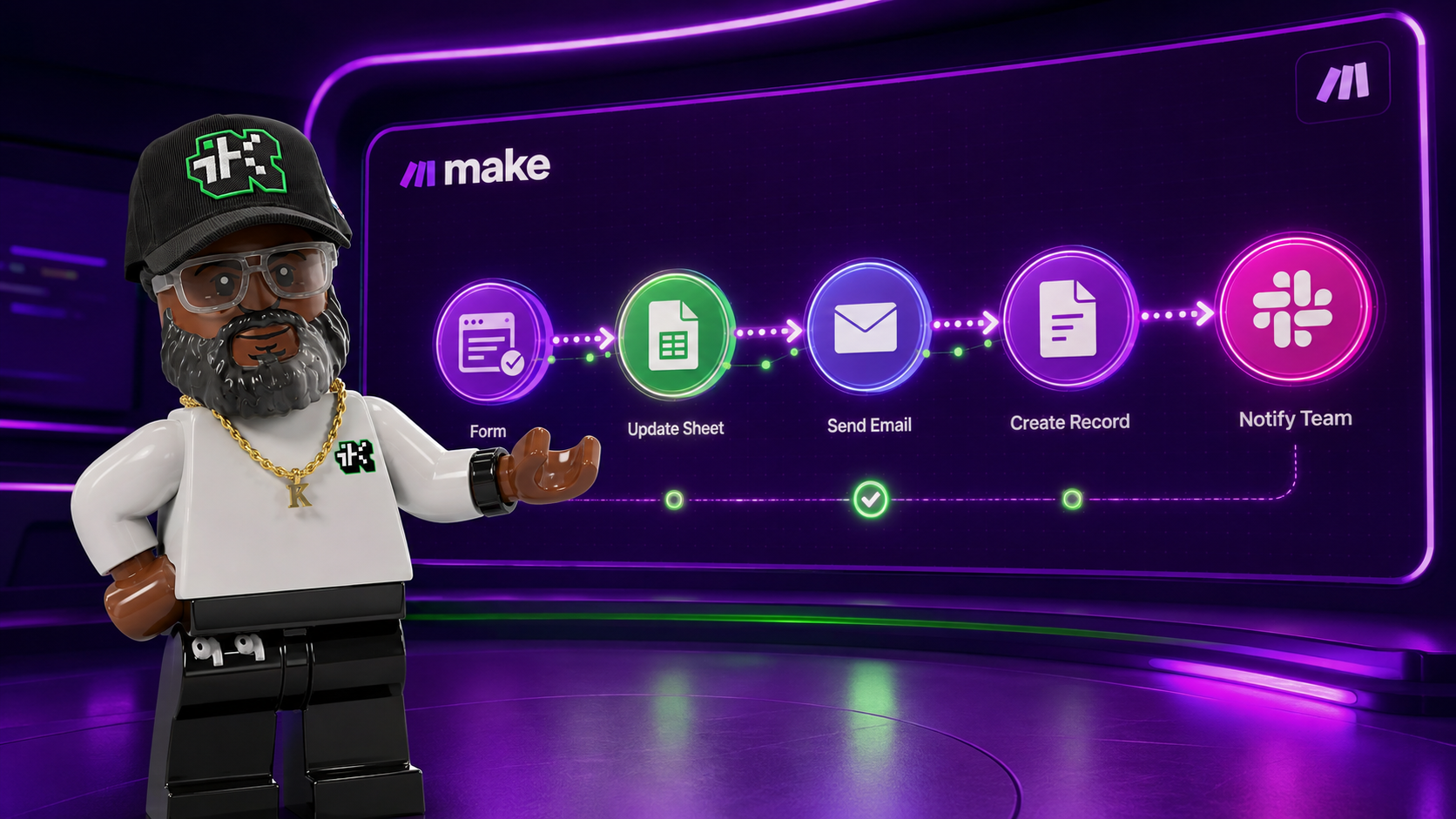
If you read what Make.com does, this is the part where you build something real with it. This scenario turns a spreadsheet content calendar into an automated, scheduled email send: it finds whatever's due today, fans out to one or more subscriber lists, personalizes each email's unsubscribe link, and marks the content as sent so it never goes out twice.
It's written to be rebuilt with any spreadsheet or database, any number of recipient lists, and any email-sending service. The specific tools in the original build, Google Sheets and Make's built-in email module, are examples, not requirements.
What the scenario does, in one paragraph
On a schedule, it searches a content library sheet for the one row scheduled to go out today that hasn't been sent yet, then branches into parallel paths. One or more paths each pull an active subscriber list from a different source and send that day's content to every subscriber on it, personalizing the unsubscribe link per recipient, while a separate path flips a Sent flag on the content row so tomorrow's run skips it.
Architecture at a glance
Schedule: configured on the scenario itself, not a module in the flow

Find today's content: search + 3-part filter (due today, unsent, has a body)
  → Router (parallel branches)
      Branch A, List 1: guard on content found → search active subscribers → send personalized email
      Branch B, List 2: guard on content found → search active subscribers → guard on subscribers found → send personalized email
      Branch C, bookkeeping: update the content row's Sent flag
What you'll need
- A content source: a spreadsheet or database table with a send-date column, a sent flag, and a body field, Google Sheets, Airtable, Notion, or any queryable table works.
- One or more subscriber lists: each with a status or opt-in column so you can query for who's currently active.
- An email-sending method: Make's built-in email module, a transactional API like SendGrid or Postmark, or your ESP's native send action.
- A branching primitive: Make's Router here, though n8n's Switch/IF or Zapier's Paths do the same job.
Stage 1: Decide what starts the run
In Make, a scenario's timing is usually set in the scenario's own scheduling settings, not as a module inside the flow. That's different from n8n or Zapier, where the trigger is always the first explicit step. If a scenario's flow starts directly with a search or action module and there's no dedicated trigger module, that's your signal it's running on a Make-level schedule, daily, weekly, whatever you set, and the first module in the flow is the real first action, not a trigger.
On any platform, decide up front whether the run should be time-based (cron or schedule), event-based (new row, form submission, webhook), or manual, and wire the entry point to match. Everything downstream in this guide works the same regardless of what kicks it off.
Stage 2: Find what's due today from a content calendar sheet
Module: Search Rows (Google Sheets' row-search or filter module, any spreadsheet or database "query rows" action fits the same role).
Filter conditions, all AND'd together in one group:
- Send date equals today's date
- Sent flag is empty
- Body or content field is not empty
This turns a spreadsheet into a lightweight, no-code content queue. A content creator can fill in rows weeks in advance, subject, body, target send date, and the automation only ever touches the one row that's due, ready, and unsent. It decouples writing content from sending it, and the three-part filter is doing real work: "due today" alone isn't enough, since a half-written row shouldn't send. "Has a body" alone isn't enough, since you could double-send yesterday's content. "Unsent" alone isn't enough, since nothing is due yet if there's no date match. All three together define "safe to send right now."
Stage 3: Branch into independent execution paths
Module: Router (or whatever your platform calls a branching or fan-out primitive, Switch in n8n, Paths in Zapier).
Once you know today's content, you typically need to do more than one unrelated thing with it: email one or more separate audiences, and separately record that the content was processed. A router lets every branch read from the same upstream data independently, instead of chaining unrelated logic into one linear sequence where an email failure could block your bookkeeping step, or the other way around. Each branch below is self-contained.
Stage 4 (per branch): Guard against empty runs
Nearly every branch checks a bundle count coming out of the content search, Make calls this __IMTLENGTH__ (n8n and Zapier's equivalent is an array or item count), and only proceeds if it's greater than zero.
Without the guard, a day with nothing scheduled would still let downstream modules run on empty data, sending a blank-subject, blank-body email to an entire list is the failure mode this prevents. Put this check immediately before the first module in a branch that has a real-world side effect, sending an email, writing a row, not after.
Worth noting: on bundle-based platforms like Make, a module that receives zero bundles from upstream, an audience search that found no active subscribers, for example, simply doesn't run at all. So an explicit "stop if empty" guard on that step is often redundant insurance rather than strictly required. It's still worth adding anyway. In a low-code canvas, an explicit filter documents your intent for the next person, or future you, reading the scenario, while implicit zero-bundle skipping is easy to miss on a read-through.
Stage 5 (per branch): Pull the audience for that list
Module: Search Rows, filtered to a status column equal to "Active" (or your platform's equivalent opt-in flag).
Filter by status instead of emailing every row ever collected, because unsubscribes, bounces, and opt-outs need to stop future sends. Filtering at query time, instead of relying on someone to delete rows, keeps one sheet as the single source of truth for both who signed up and who's still opted in.
Search each list separately instead of merging every subscriber source into one big list first. Different signup sources, a form tool export versus a manual website signup form, rarely share identical column layouts, consent language, or signup dates. Querying and sending per source keeps each list's field mapping simple and avoids a brittle merge or dedupe step that's easy to get subtly wrong, at the cost of running the send logic once per source instead of once total. That's a reasonable trade for many small-to-mid list setups. If you're managing dozens of sources, a proper CRM or ESP with unified contacts is the better long-term answer.
Stage 6 (per branch): Send the personalized email
Module: Send Email. Key configuration to get right:
- To: mapped from the current row's email column. Because the audience search returns one bundle per subscriber, Make automatically re-runs every downstream module once per bundle, this is the platform's implicit loop. There's no separate "for each" module. Any array returned upstream becomes one execution per item for everything after it (n8n's explicit Split In Batches node does the same job, just visibly).
- Subject and body: pulled from the content search in Stage 2, a different upstream module than the recipient search in Stage 5. This is what lets one email module combine two independent upstream data sources: what to send, and who's currently being sent to.
- Unsubscribe link: built at send time with a text-replace function that swaps a placeholder token in the email template for a real link containing that specific recipient's URL-encoded email address.
The unsubscribe personalization deserves its own callout. A shared, non-personalized unsubscribe link either can't identify who to unsubscribe, or, worse, silently unsubscribes whoever clicks it regardless of who they are. Generating the link per recipient at send time, with the address properly URL-encoded so special characters don't break the query string, is what makes one-click unsubscribe function correctly, and it's close to a legal requirement (CAN-SPAM, GDPR, CASL, depending on jurisdiction) for any commercial email. Build this into your template pattern from day one rather than retrofitting it later.
Stage 7: Mark the content as processed
Module: Update Row, targeting the exact row captured back in Stage 2, setting the "Sent" column to a truthy value.
This is the same idempotency principle as any queue-processing system: once a row has been acted on, flip a flag so the next scheduled run's Stage 2 filter excludes it automatically. Skip this step and the same content goes out again on the next run, likely to the same subscribers who just got it.
One design nuance worth flagging: in the reference scenario, this update runs in its own router branch with no dependency on whether the email branches succeeded. A failed send, bad credentials, a rate limit, an API outage, can still result in the row being marked "Sent," hiding the failure. That's a legitimate simplicity trade-off, but if reliability matters more than simplicity, chain the update after a confirmed successful send instead, or add error-handling that reverts or flags the row on failure.
Design patterns worth stealing
- Spreadsheet-as-content-queue. A date-match, unsent, and non-empty filter turns any spreadsheet into a lightweight scheduling system without a real CMS.
- Status-filtered audience queries. Query for "Active" at send time rather than trusting that unsubscribed rows get removed.
- Implicit per-bundle looping. Know whether your platform auto-loops over arrays (Make, Zapier) or requires an explicit loop module (n8n). It changes how you read the flow, not the underlying pattern.
- Per-recipient dynamic unsubscribe links. Never ship a static unsubscribe URL in a template.
- Mark-as-processed flag. The cheapest possible idempotency guarantee for anything that runs on a recurring schedule.
Adapting this to a different stack
- Content source: Google Sheets, Airtable, Notion, or any database table, the only requirement is a queryable set of due-date, sent-flag, and content-body fields.
- Branching primitive: Make's Router, n8n's Switch or IF, Zapier's Paths, or a plain if/else in code, the same fan-out concept everywhere.
- Email sending: Make's built-in email module, a transactional API (SendGrid, Postmark, Mailgun), or your ESP's native send action, as long as it accepts a per-recipient "to," dynamic subject and body, and lets you inject a personalized unsubscribe link.
- Audience sources: one list or several, the guard-then-search-then-send pattern in Stages 4 through 6 repeats cleanly for each additional source you add as its own router branch.
Common pitfalls
- No guard before a router branch. An empty content day sends a blank email to everyone unless Stage 4's check is in place.
- Bookkeeping that doesn't depend on send success. Marking content "Sent" in a branch that runs independently of the actual email send can hide failures, decide deliberately whether that trade-off is acceptable for your use case.
- Static or missing unsubscribe links. A compliance and deliverability risk, not just a UX one. Email providers can flag or throttle senders whose lists can't opt out.
- Merging subscriber sources before normalizing them. Different signup sources rarely share identical status or consent columns. Merge too early and you risk emailing someone who unsubscribed through only one of the sources.
- Forgetting the has-content check. Filtering only on date without also requiring a non-empty body means a placeholder or half-drafted row can go out if someone forgets to fill it in before its scheduled date.
That's the whole scenario: one content row in, one or more personalized sends out, with a flag flip at the end so nothing repeats. If you haven't read what Make.com is and how scenarios work in the first place, that's the companion piece. And if you want to see this same guard-then-search-then-send pattern built in n8n instead, with an explicit loop node standing in for Make's implicit one, this build is a good comparison.
If you're setting this up for an organization and want a second set of eyes on the build, that's worth a conversation.