A robots.txt file is a plain text file that sits at the root of a website and tells crawlers which pages they're allowed to request. It's the older, more established cousin of llms.txt, and the two get confused constantly because they sound like they do the same job. They don't.
Google says it plainly in its own documentation: robots.txt "is not a mechanism for keeping a web page out of Google." It manages traffic, not visibility. If another site links to a page you've blocked, Google can still index that URL from the link alone, description-free but present in results. To hide a page for real, you need password protection or a noindex tag, not a Disallow line.
How robots.txt works
The file lives at yoursite.com/robots.txt and uses a short set of directives. User-agent names which crawler the rule applies to. Disallow lists paths that crawler shouldn't request. A basic file looks like this:
User-agent: *
Disallow: /admin/
Disallow: /private/

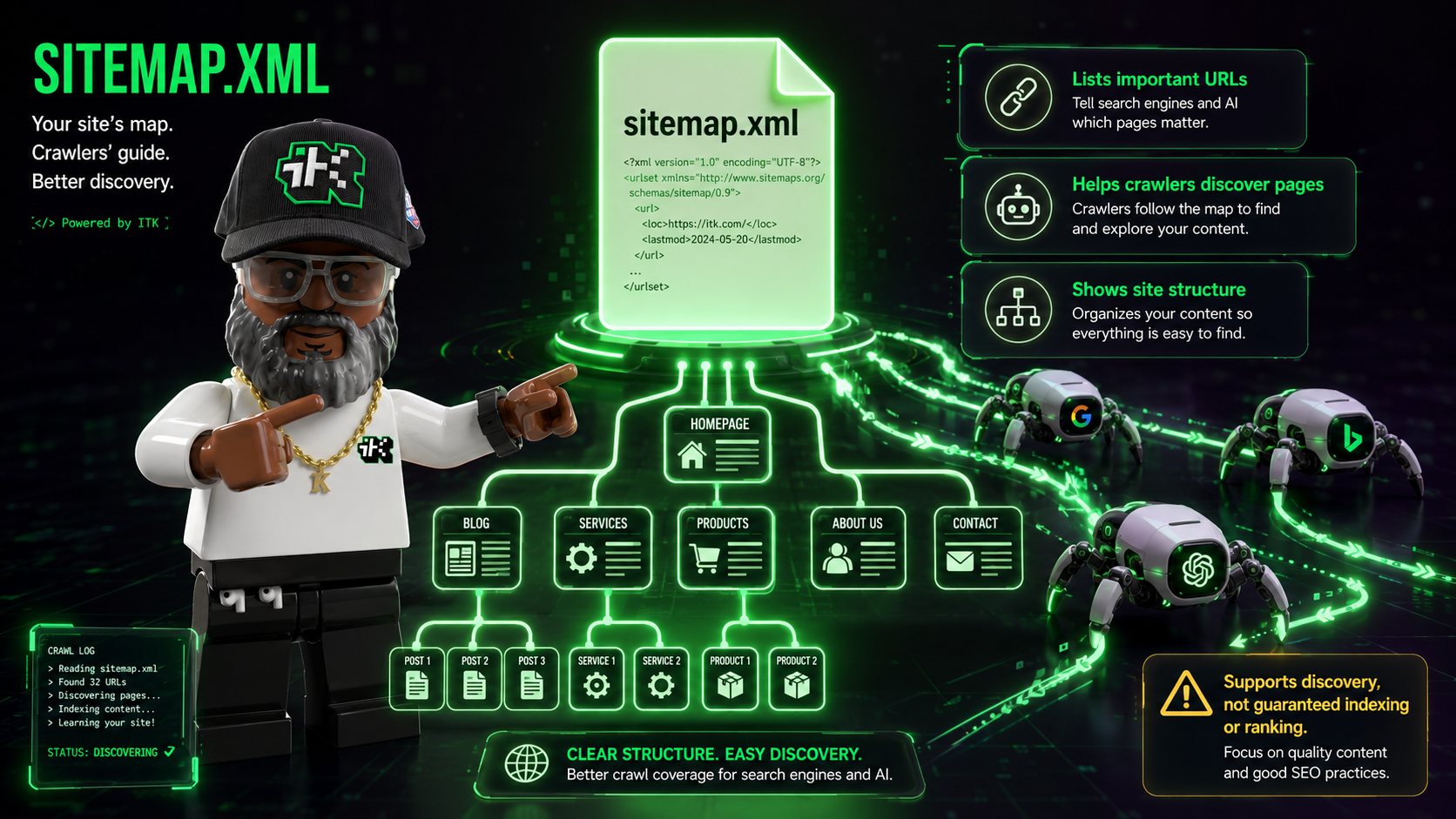
Sitemap: https://yoursite.com/sitemap.xml
Respectable crawlers, Googlebot included, read this file before crawling anything else on the site and follow what it says. The catch is right there in that sentence: respectable crawlers follow it. Nothing forces compliance. A robots.txt file is a request that well-behaved crawlers choose to honor.
Why AI crawlers don't all behave the same way
This is where robots.txt gets more complicated than it used to be. A single AI company can run multiple crawlers that do different jobs, and blocking one doesn't block the others.
Anthropic's own Claude Help Center documentation lists three separate bots. ClaudeBot collects content that could contribute to model training. Claude-User fetches a page live when someone asks Claude a question that requires reading it. Claude-SearchBot indexes content to improve search result quality. Blocking ClaudeBot in your robots.txt stops training collection. It does nothing to Claude-User or Claude-SearchBot, since each one checks the file under its own name.
OpenAI runs a similar split: GPTBot handles training data, while OAI-SearchBot and ChatGPT-User handle search and live retrieval. If your goal is keeping your content out of AI training data, you need a Disallow line for the training bot specifically, not one blanket rule and an assumption that it covers everything with "AI" in the name.
Writing rules for specific crawlers
User-agent: ClaudeBot
Disallow: /

User-agent: GPTBot
Disallow: /

User-agent: Claude-User
Allow: /
That example blocks both training crawlers outright while still allowing Claude-User to fetch pages when someone asks Claude a direct question about your site. Whether that's the right split depends on what you're trying to accomplish. Being trained on is a different decision than being cited in an answer.
Where llms.txt fits in
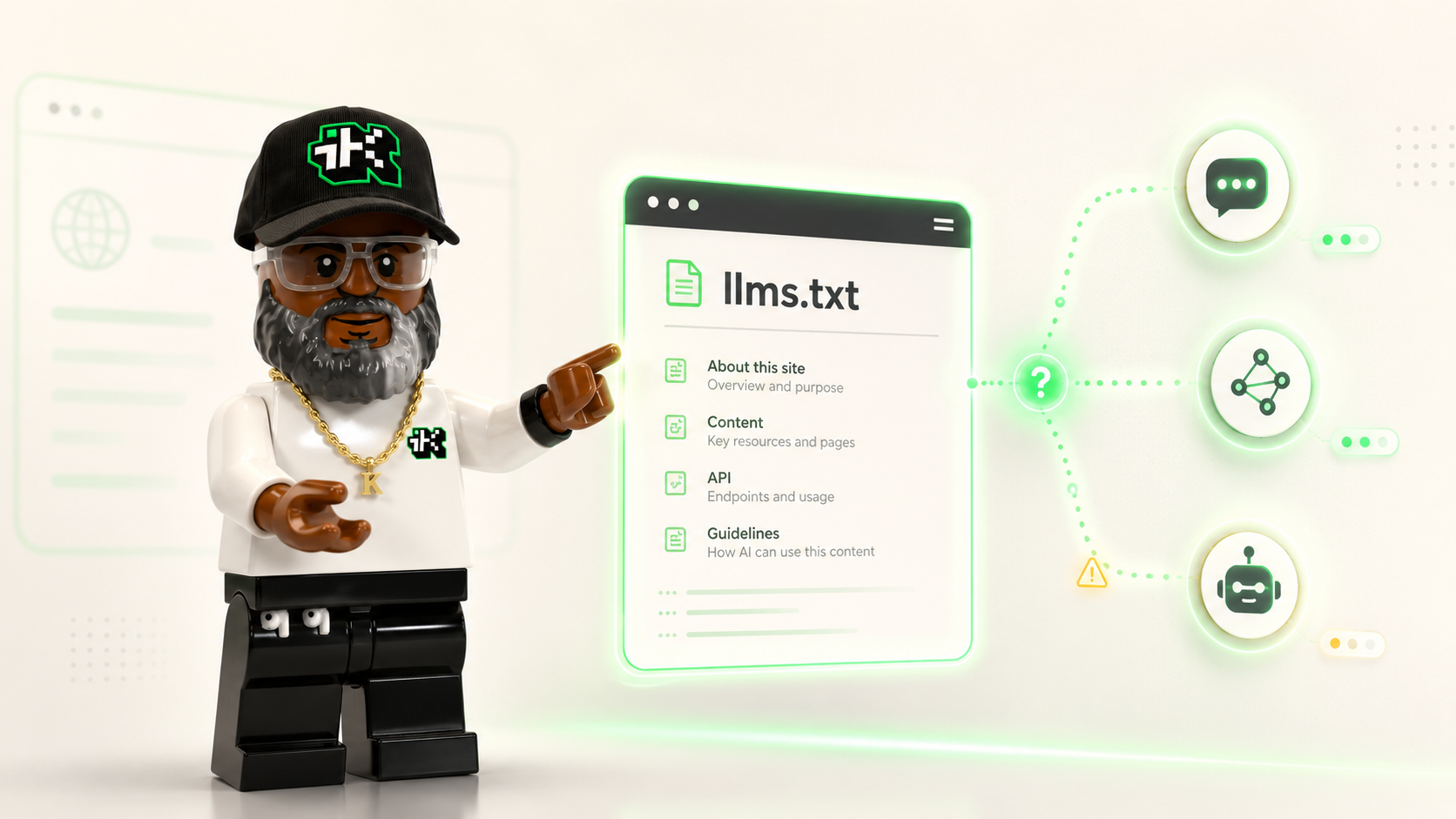
Once you've decided what AI crawlers can access, llms.txt is a separate, optional file that gives permitted crawlers a curated, plain-language summary of your site instead of making them parse raw HTML. robots.txt controls the door. llms.txt is what you hand someone once they're through it. Neither file guarantees AI search visibility on its own, but they solve different problems, and it's worth understanding both before assuming one covers the other.
The short version
robots.txt manages crawler traffic and can't fully hide a page from search results on its own. AI crawlers now split into training bots and retrieval bots that each check the file separately, so a rule aimed at one won't touch the other. Write your Disallow lines by crawler name, not by assumption.
Want the file that pairs with this one? Read what an llms.txt file does, or see how a sitemap.xml file tells crawlers what to find once you've let them in.
Sources
- Google Search Central, "Introduction to robots.txt" (last updated Dec 10, 2025): https://developers.google.com/search/docs/crawling-indexing/robots/intro
- Anthropic, "Does Anthropic crawl data from the web, and how can site owners block the crawler?" Claude Help Center (April 7, 2026): https://support.claude.com/en/articles/8896518-does-anthropic-crawl-data-from-the-web-and-how-can-site-owners-block-the-crawler