A sitemap.xml file is a list of the URLs on your site that you want search engines to know about, formatted so a crawler can read it in one pass instead of discovering pages by following links around your site. It's less about ranking and more about discovery, especially for pages that don't have many internal links pointing at them.
The format traces back to a protocol Google introduced in 2005, since adopted as a shared standard other search engines use too. A minimal sitemap looks like this, per Google's own documentation:
<?xml version="1.0" encoding="UTF-8"?>
<urlset xmlns="http://www.sitemaps.org/schemas/sitemap/0.9">
  <url>
    <loc>https://yoursite.com/page.html</loc>
    <lastmod>2026-07-18</lastmod>
  </url>
</urlset>
What matters in the file, and what doesn't
Google is specific about what it uses and what it ignores. The <loc> tag, the full URL, is the whole point. The <lastmod> date gets used only if it's consistently accurate, meaning it reflects a real content change and not just a template refresh. Google explicitly ignores <priority> and <changefreq>, two fields a lot of older sitemap guides still tell you to fill in carefully. Don't bother.
There's also a hard limit worth knowing: 50,000 URLs or 50MB uncompressed per sitemap file. Past that, you split into multiple files and optionally group them under a sitemap index file. For a small business site, this ceiling is nowhere close to relevant, but it matters the moment a site starts generating pages dynamically, a blog with years of posts, or an ecommerce catalog.
How to submit it
Once the file exists at your site's root, usually yoursite.com/sitemap.xml, you have three ways to tell Google it's there: submit it directly through the Sitemaps report in Google Search Console, reference it with a Sitemap line inside your robots.txt file, or use the Search Console API if you're managing this programmatically. Submitting a sitemap is a hint, not a command. Google states plainly that it doesn't guarantee the sitemap gets used for crawling, only that it improves the odds a page gets found.
Where AI crawlers fit into this
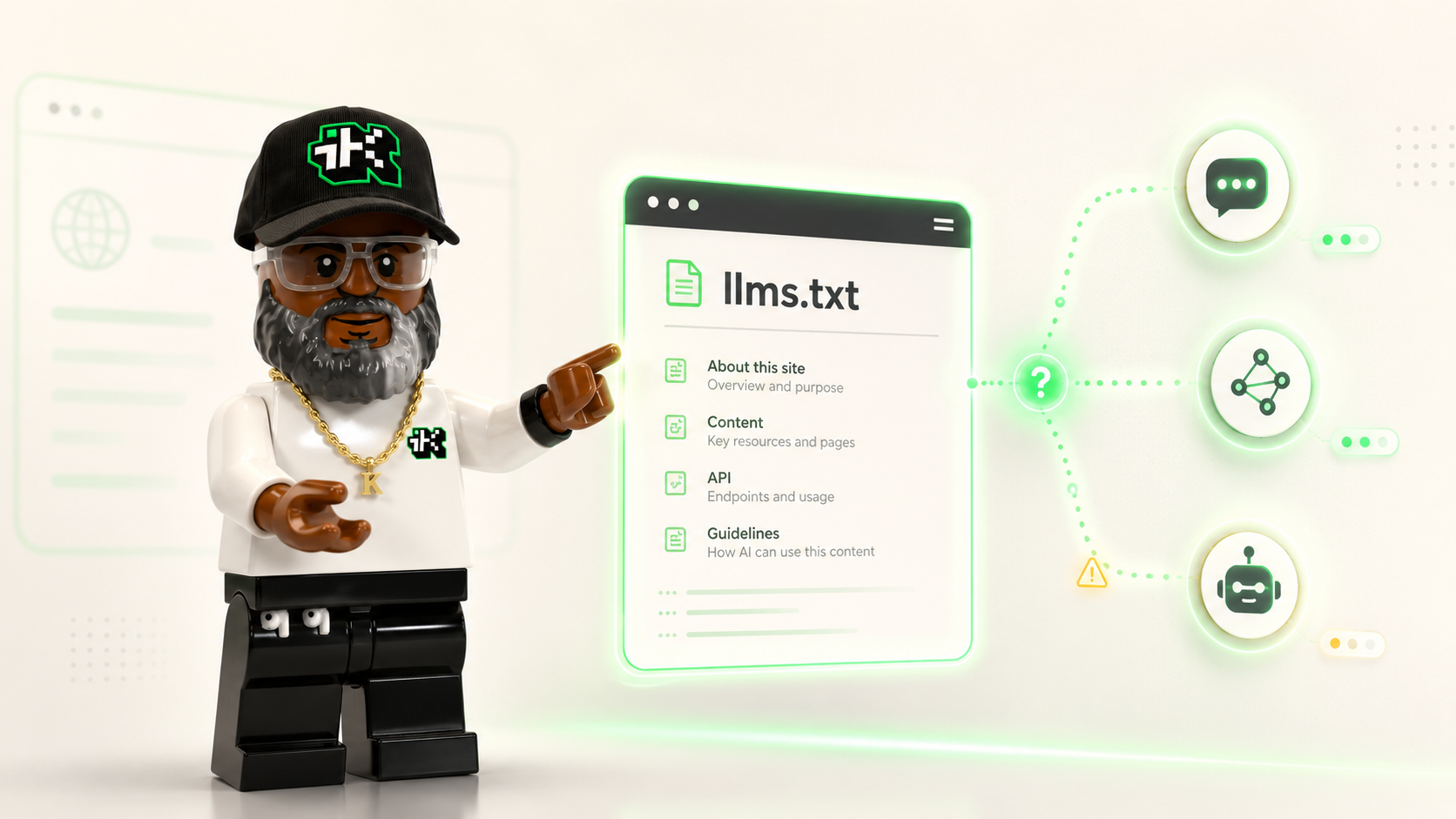
Google's sitemap protocol wasn't built with AI in mind, but the underlying problem it solves, helping an automated visitor find your pages without guessing, applies just as much to the newer wave of AI crawlers and retrieval bots. A crawler that fetches your llms.txt file to understand what your site covers still benefits from a sitemap that tells it exactly which URLs exist. The two files answer different questions: llms.txt describes what your site is about in plain language, sitemap.xml lists precisely which pages are there to visit. Neither replaces the other, and a site with a clean, current sitemap is easier for any kind of automated visitor to work with, search engine or AI agent alike.
Common mistakes worth avoiding
- Using relative URLs instead of full, absolute ones. Google reads sitemap URLs exactly as written, so a partial path won't resolve correctly.
- Listing pages you've blocked in robots.txt. Sending mixed signals slows down how a crawler treats your site overall.
- Letting the file go stale. A sitemap full of deleted pages and missing new ones wastes crawl attention on dead URLs.
- Manually maintaining a sitemap on a site with more than a few dozen pages. Most CMS platforms generate one automatically. Let it.
The short version
A sitemap.xml file is a straightforward list of your URLs that helps crawlers, search engines and AI agents alike, find your pages without relying on internal links alone. Google ignores priority and changefreq, cares about accurate lastmod dates, and treats the whole file as a hint rather than a guarantee. Build one, keep it current, and submit it through Search Console.
Want the rest of the discovery picture? Read what an llms.txt file does for AI-specific context, or see how robots.txt controls what crawlers can access in the first place.
Sources
- Google Search Central, "Build and submit a sitemap" (last updated July 8, 2026): https://developers.google.com/search/docs/crawling-indexing/sitemaps/build-sitemap