An API key is a password, except instead of unlocking an account for a person, it unlocks a service for a piece of software. When your site calls OpenAI to generate text, or pulls weather data from a third-party API, the key in that request is what proves your app is allowed to make the call, and often, what gets billed for it.
The problem isn't the concept. It's where these keys end up. GitGuardian's State of Secrets Sprawl 2026 report found 28,649,024 new secrets, API keys, passwords, and tokens among them, hardcoded into public GitHub commits in 2025 alone, a 34% jump over the year before. And once one leaks, it tends to stay dangerous: GitGuardian tracked secrets exposed in 2022 and found 64% were still valid four years later. Nobody had rotated them.
How a key gets from your code to a stranger's hands
The usual path is simple. A developer pastes a real key directly into a config file or a line of code to test something quickly, means to move it to an environment variable later, and forgets. The file gets committed to Git. If the repository is public, or becomes public later, or gets forked, the key is now readable by anyone who looks, and automated scanners look constantly. Security researchers at Cyble found more than 5,000 public GitHub repositories and 3,000 live production websites exposing hardcoded ChatGPT API keys, some sitting in client-side JavaScript where anyone viewing the page source could copy them.
Why AI-assisted coding makes this worse
This is the part that's specific to right now. GitGuardian's 2026 data shows credentials for AI services growing faster than any other secret category, up 81% year over year, with individual services like OpenRouter and DeepSeek seeing 20 to 48 times more exposed keys than the year prior. The report also found that commits co-authored by Claude Code leak secrets at roughly twice the rate of the average public GitHub commit.
That's not a flaw specific to any one AI tool. It's a speed problem. AI-assisted coding moves fast enough that a real credential can get typed into a prompt, pasted into a test file, or generated as a placeholder that quietly becomes a live key, and pushed to a repository before anyone reviews it the way a slower, fully manual workflow would have caught. Even the connective tissue between AI tools and other services isn't immune: GitGuardian found 24,008 exposed secrets sitting in Model Context Protocol configuration files, nearly one in five of them Google API keys.
What good key hygiene looks like
- Never hardcode a real key in a file that gets committed. Use an environment variable and load the key at runtime instead.
- Add your secret files to .gitignore before you add anything else to the project. A file that's never tracked can't leak through Git history.
- Scope every key to the minimum access it needs. A key that can only read data does less damage than one that can also write or delete.
- Rotate keys on a schedule, not just after a suspected leak. With 64% of leaked keys from 2022 still active in 2026, treat an old key as compromised until you've proven otherwise.
- Run a scanner like Gitleaks or GitHub's built-in secret scanning before you push, not after. Catching a key in your working directory costs you nothing. Catching it after a public push means treating it as burned.
If you're building with an AI coding tool
Ask it directly to help you audit for this. A prompt like "review this project for hardcoded API keys or credentials and move anything you find into environment variables" takes a minute to run and closes the exact gap the GitGuardian data describes. I cover this same audit step, along with a few other launch-day security checks, in how I build sites with Claude Cowork.
The short version
An API key is a credential for software, and it deserves the same care a password does, arguably more, since it's easy to forget one is even live in a codebase. AI-assisted development hasn't created a new problem so much as it's sped up an old one. Keep keys out of committed files, scope them tightly, and rotate them like you mean it.
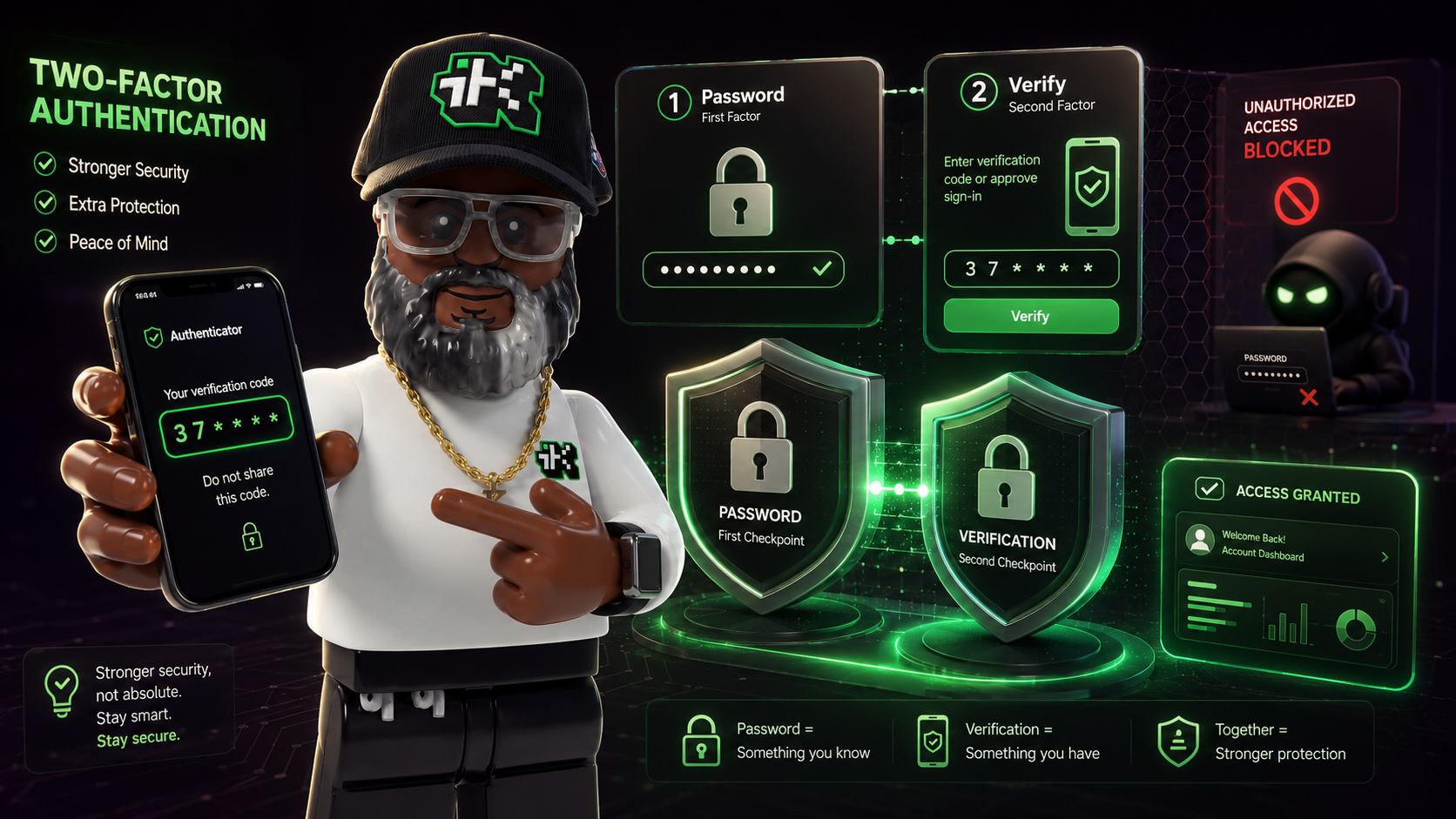
Want the other side of this coin? Read about honeypots and basic site security, or see how two-factor authentication closes the gap a leaked password alone leaves open.
Sources
- GitGuardian, "The State of Secrets Sprawl 2026" (2026): https://www.gitguardian.com/state-of-secrets-sprawl-report-2026
- Vicarius, citing Cyble Research, "8,000+ ChatGPT API keys exposed across GitHub & production sites" (March 25, 2026): https://www.vicarius.io/articles/8-000-chatgpt-api-keys-exposed-across-github-production-sites