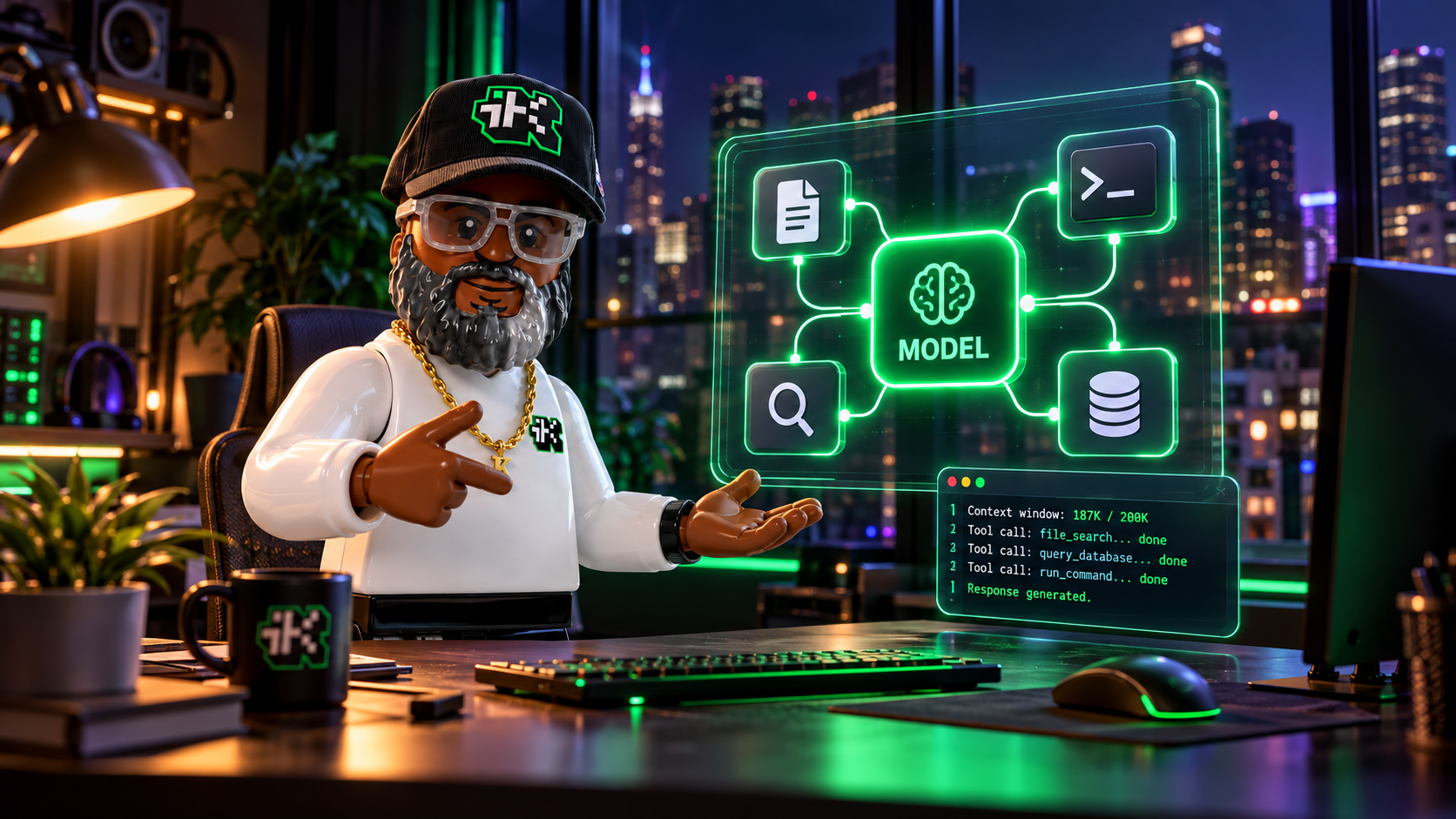

Sub-agents are specialized agents that a main agent, called the orchestrating agent or root agent, hands pieces of a job to. Instead of asking one agent to research, analyze, draft, verify, and format everything in a single context (the text a model can see while it works), the orchestrator splits the job into bounded assignments and combines the results.
That split can improve speed and quality, but each sub-agent is another model run with its own input, context, reasoning, and output. All of it counts as tokens, the small chunks of text (often a short word or part of one) that usage limits and bills are measured in. Delegation stays affordable when you split only independent work, give each sub-agent a narrow slice of context, and send routine tasks to a smaller, cheaper model.
Product details below are current as of November 1, 2026. Multi-agent features are in beta at OpenAI, so settings may change.
What are sub-agents?
A sub-agent is an agent that another agent hands a bounded task to, such as searching a folder, pulling facts out of a document, or checking a draft against a list. It works in its own context and returns a result to the orchestrating agent, which combines the results and writes the final answer.
Sub-agents (also written subagents) can run in parallel when their tasks are independent. OpenAI's multi-agent guide describes a root agent that spawns sub-agents working in parallel and then synthesizes what they find. Anthropic's Claude Code documentation describes each subagent as running in its own context window with its own system prompt (the standing instructions a model gets before the work starts), tool access, and permissions.
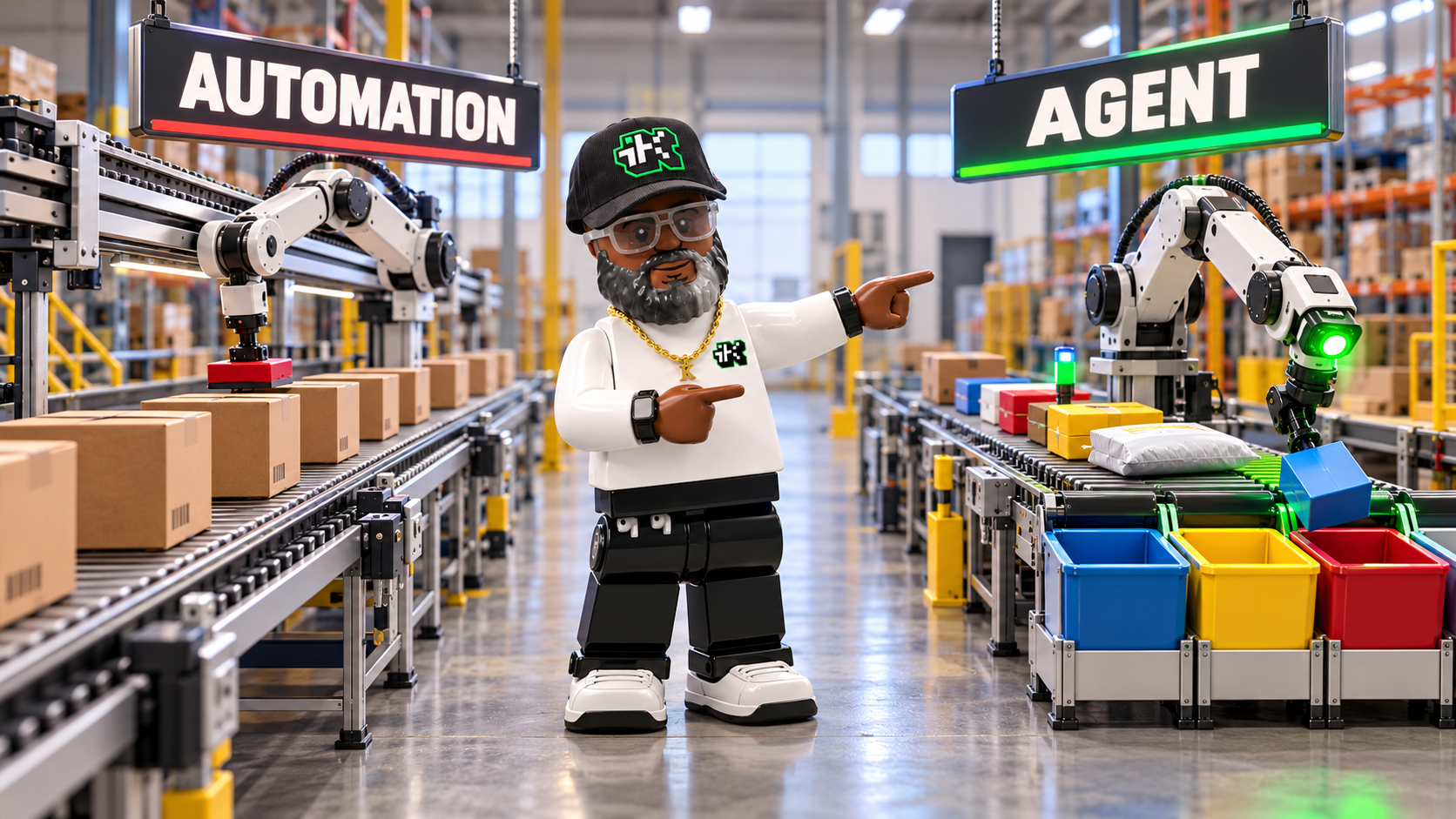
If agents are new to you, AI agent vs automation explains how an agent differs from a fixed workflow, and the software wrapped around an AI model covers how a model uses tools and finishes a task.
Do sub-agents use more tokens?
Yes, they can. OpenAI's documentation says adding sub-agents can increase token usage, and it notes that each agent keeps its own context. Claude Code's documentation says a subagent sends its own requests, which count toward the same usage limits as your main conversation.
Every sub-agent you add is a separate run that reads its own input and writes its own output. Before you delegate, ask whether the split will earn back that overhead.
When sub-agents are worth using
Sub-agents pay off when the work divides into independent, bounded tasks. OpenAI's guide gives two examples, exploring separate parts of a codebase and investigating several possible causes of a failure at the same time. Checking 6 separate lesson files against one approved objective list is the same kind of work, because no file's check depends on another's.
Skip sub-agents in these cases.
- Each step depends directly on the previous step.
- Several agents would edit the same file or resource.
- The task is one ordered chain of reasoning.
- The orchestrator can finish the task in one short step, because coordination can cost more than the work itself.
OpenAI's guide says sub-agents may not help much with tasks that depend on a single ordered chain of reasoning. A final recommendation built from several findings is that kind of task, so it stays with the orchestrator or goes to one stronger model.
Do smaller models save tokens?
Not automatically. A smaller model lowers the price per token and often the wait, but it does not automatically reduce the number of tokens a task processes.
A smaller model can lower these four things.
- Cost per token
- Latency (how long you wait for a response)
- Expensive reasoning-token use (reasoning tokens are the tokens a model spends working through a problem before it answers)
- How much of your most capable model's capacity goes to routine work
If five small sub-agents each receive the entire conversation, the system can process more total tokens than one well-scoped agent would have. A better goal is this.
Minimize total unnecessary context and reserve expensive-model tokens for work that benefits from deeper reasoning.
That takes two controls.
- Model routing. Assign each task to the least expensive model that can do it reliably.
- Context routing. Give each agent only the information its assignment needs.
Which tasks go to a smaller model and which go to a larger one
Not every step in a workflow needs the same level of intelligence. A lightweight model is often enough for these jobs.
- Locating files or sections
- Extracting names, dates, headings, or requirements
- Reformatting text that is already approved
- Creating inventories
- Checking whether required fields are present
- Producing first-pass summaries
- Running a defined checklist
- Classifying requests into known categories
A more capable model fits these jobs better.
- Resolving conflicting evidence
- Synthesizing findings across several sources
- Making architecture or strategy decisions
- Diagnosing ambiguous failures
- Evaluating tradeoffs
- Designing a complex workflow
- Reviewing high-risk changes
- Writing a final synthesis when mistakes would be costly
Use the smallest model that consistently meets your quality bar for the task. Move up when the evidence says to, based on test results and not habit. For a walkthrough of what each Claude model is built for, see Claude models explained.
A routing structure you can copy
A cost-conscious multi-agent workflow can look like this.
| Role | Typical work | Model tier |
|---|---|---|
| Router or triage agent | Classify the request and choose a route | Lightweight |
| Retrieval agent | Locate relevant files, sections, or records | Lightweight |
| Extraction agent | Pull facts into a structured format | Lightweight |
| Formatting agent | Apply a known template without rewriting substance | Lightweight |
| Reasoning specialist | Resolve ambiguity, conflicts, or complex dependencies | Larger |
| Final reviewer | Check high-impact conclusions and unsupported claims | Larger when risk warrants it |
The larger model should not repeat the lighter agents' work. It receives their structured findings, the limited source excerpts it needs to verify a disputed point, and one clearly defined decision.
Copy-paste instructions for your orchestrating agent
Paste this into a system prompt, a developer instruction, or a project instruction file.
You are the orchestrating agent. Delegate work only when the task can be
divided into independent, bounded assignments.

MODEL ROUTING

Use the lightweight model for:
- file and section discovery
- factual extraction
- inventories and checklists
- classification
- formatting that does not change meaning
- first-pass summaries
- mechanical validation

Use the high-capability model only for:
- ambiguous or conflicting evidence
- cross-source synthesis
- architecture and strategy decisions
- complex debugging
- high-risk recommendations
- final review when an error could materially affect the result

DELEGATION RULES

1. Do not create a sub-agent for a task that the orchestrator can complete
   in one short step.
2. Give each sub-agent one clear question, the minimum necessary context,
   and a required output format.
3. Do not send the full conversation or full document collection unless
   the assignment genuinely requires it.
4. Ask lightweight agents to return concise findings, not long narratives.
5. Do not have multiple agents repeat the same investigation unless an
   independent review is specifically required.
6. If a lightweight agent reports uncertainty, conflicting evidence, or
   missing information, escalate that specific issue to the high-capability
   model. Do not rerun the entire task.
7. The orchestrator remains responsible for combining results and checking
   that the final answer addresses the user's request.
These instructions set a policy. The tool you use still has to let you choose a model when an agent is created, because a prompt cannot add a capability the tool does not have. The section on choosing a model per sub-agent, further down, covers which tools do.
A version with model names
If your setup lets you name models, you can make the instruction more explicit.
Default to LIGHT_MODEL for delegated tasks.

Assign LIGHT_MODEL to:
- search
- extraction
- classification
- checklist review
- routine summaries
- template-based formatting

Assign LARGE_MODEL only when the assignment requires:
- multi-step reasoning
- interpretation of conflicting evidence
- evaluation of meaningful tradeoffs
- novel planning
- high-stakes verification

Before assigning LARGE_MODEL, state internally which escalation condition
applies. If none applies, use LIGHT_MODEL.

When a LIGHT_MODEL agent cannot complete its assignment, have it return:
- what it established
- what remains uncertain
- the exact evidence causing uncertainty
- the narrow question requiring escalation

Send only that escalation package to LARGE_MODEL.
LIGHT_MODEL and LARGE_MODEL are placeholders. Map them to the models approved in your environment. That keeps the instruction usable when model names change.
Example sub-agent prompts
A good sub-agent assignment is narrow and names the output format. These three examples use a workshop brief, which is the kind of document many training teams work from.
Lightweight extraction task
Review the supplied workshop brief.

Extract only:
1. Audience
2. Duration
3. Delivery format
4. Approved learning objectives
5. Any unresolved decisions

Return a five-row table. Use "Not found" when the brief does not establish
an item. Do not recommend changes or interpret missing information.
This task needs no strategic reasoning, so a smaller model can do it with limited context and a compact response.
Lightweight QA task
Compare the participant guide against the approved learning-objective list.

Report:
- objectives that appear in both
- approved objectives missing from the guide
- guide objectives that do not appear in the approved list

Use exact wording. Do not rewrite either document.
This is a constrained comparison with a clear right answer, so it also suits a smaller model.
Larger-model reasoning task
The extraction agents found a conflict between the approved objectives,
the session timing, and the assessment.

Review only the supplied objective list, timing table, assessment items,
and source excerpts.

Determine:
1. Whether the current assessment can validly measure each objective
2. Which conflict is structural rather than editorial
3. The smallest defensible correction
4. What requires owner approval before revision

Cite the evidence used for each conclusion. Do not modify any files.
The larger model gets a narrow evidence package and not the whole project history. That keeps its context small and its job clear.
A reusable instruction file section
If you work with the same agent setup repeatedly, put the policy in an instruction file, a text file in a project that an agent reads for standing rules. It is usually named AGENTS.md, or CLAUDE.md in Claude's tools. How to write a CLAUDE.md file walks through the structure. This section can go in either one.
## Sub-agent and model-routing policy

Use sub-agents only for independent, clearly bounded work.

### Lightweight-agent assignments

Use the configured lightweight model for:

- source and file discovery
- structured extraction
- inventory creation
- known-rule validation
- routine comparison
- formatting without substantive rewriting

Provide only the relevant files or excerpts. Require concise, structured
output.

### High-capability assignments

Use the configured high-capability model for:

- conflicting or incomplete evidence
- cross-document synthesis
- consequential recommendations
- complex diagnosis
- decisions involving multiple constraints
- final review of high-risk conclusions

Do not use the high-capability model to repeat completed extraction work.
Give it the lightweight agents' findings and only the source evidence
needed to verify the disputed issue.

### Escalation

A lightweight agent must escalate when:

- sources conflict
- the requested conclusion is not directly supported
- several plausible interpretations remain
- the task requires a material recommendation
- the consequences of an incorrect answer are high

Escalation should contain the established facts, unresolved question,
relevant evidence, and requested decision.
Can you choose a different model for each sub-agent?
It depends on the tool. Prompting controls when an agent delegates, and system configuration controls which models are available for each assignment. Three setups behave differently.
OpenAI hosted multi-agent (beta)
In the hosted multi-agent beta in OpenAI's Responses API (the interface developers use to build with OpenAI models), sub-agents share the request's model and available tools. You can tell the root agent when to delegate, but adding an instruction does not give a sub-agent a different model.
OpenAI Agents SDK
For a different model per agent, use an orchestration layer that configures agents separately. OpenAI's Agents SDK (a software development kit, meaning a code library for building agents) lets you set a model on each agent. OpenAI's models guide says to set a model on an agent when that specialist consistently needs a different quality, latency, or cost profile, and notes that a fast triage agent and a slower deep specialist can work in the same workflow.
The SDK's "agents as tools" pattern (also called the manager pattern) fits this routing well. A manager agent keeps control of the conversation and calls specialists for bounded subtasks, and OpenAI's multi-agent orchestration docs describe it as a good fit when a specialist should not take over the user-facing conversation. The orchestrator stays responsible for the final response.
Here is the pattern in code. Model selection is enforced in configuration, not left to prose instructions.
from agents import Agent

extractor = Agent(
    name="Source Extractor",
    model="LIGHT_MODEL",
    instructions=(
        "Extract requested facts into the required structure. "
        "Do not interpret conflicts or make recommendations."
    ),
)

reasoning_specialist = Agent(
    name="Reasoning Specialist",
    model="LARGE_MODEL",
    instructions=(
        "Resolve only the ambiguity or conflict supplied by the orchestrator. "
        "Use the evidence package provided and return a supported decision."
    ),
)

orchestrator = Agent(
    name="Workflow Orchestrator",
    model="LIGHT_MODEL",
    instructions=(
        "Handle routing and routine synthesis. Use the extractor for mechanical "
        "work. Invoke the reasoning specialist only when the evidence is "
        "conflicting, the decision is consequential, or multiple constraints "
        "must be reconciled."
    ),
    tools=[
        extractor.as_tool(
            tool_name="extract_source_facts",
            tool_description="Extract structured facts from a bounded source."
        ),
        reasoning_specialist.as_tool(
            tool_name="resolve_complex_issue",
            tool_description=(
                "Resolve a narrow issue involving conflicting evidence, "
                "tradeoffs, or high-consequence reasoning."
            )
        ),
    ],
)
Swap LIGHT_MODEL and LARGE_MODEL for real model names before you run it.
Claude Code subagents
In Claude Code, each subagent is defined in a file with a settings block at the top (called frontmatter), and that block has a model field. It accepts sonnet, opus, haiku, fable, a full model ID, or inherit, which means use the same model as the main conversation. A subagent with no model set runs on the main conversation's model by default, unless you set another route such as an environment variable.
Anthropic's docs also show how to move a built-in helper to a cheaper model. Claude Code's built-in Explore subagent is a fast, read-only agent for searching a codebase, and a subagent you define yourself with the name Explore overrides it. Give your version model: haiku and exploration runs on a lower-cost model.
Whatever tool you use, check that it has a model setting for delegated work before you write routing rules around it.
Guardrails that keep delegation efficient
A sensible sub-agent policy also includes these.
- Do not delegate trivial work. Coordination overhead can exceed the work itself.
- Limit concurrency. Concurrency means how many agents run at once. More parallel agents can finish sooner, but they also use tokens at the same time.
- Pass narrow context. Do not copy an entire conversation into every sub-agent.
- Require structured responses. Tables, findings lists, and decision packets are easier and cheaper to combine than essays.
- Escalate narrowly. Send only the unresolved issue to the larger model.
- Avoid duplicate research. Use independent review only when you need a real quality check.
- Measure usage. Compare token use, cost, latency, and error rates for each agent role.
- Test before downgrading. A cheaper model that often fails and needs retries can cost more than a stronger model used once.
Where to start
Pick one workflow you run often, such as reviewing a workshop brief before a build. Label each step as extraction, comparison, or judgment. Send the extraction and comparison steps to a lightweight sub-agent that returns a table, keep the judgment step with a larger model, and compare token use, cost, wait time, and errors against running the whole job in a single agent.
Across the whole system, raw token counts may stay about the same. What drops is the amount of expensive reasoning spent on routine work, and the larger model stays available for the ambiguity, synthesis, and high-stakes calls that need it.
Sources:
Multi-agent, OpenAI API documentation (beta) ·
Models and providers, OpenAI API documentation ·
Agent orchestration (agents as tools and handoffs), OpenAI Agents SDK documentation ·
Create custom subagents, Claude Code documentation
Beta status, model names, and settings change often. Confirm current details in your tool's documentation before relying on anything here.