OpenAI is retiring custom GPTs in ChatGPT. Per OpenAI's help center, custom GPTs are scheduled to stop running on December 11, 2026, and plugins are the replacement. A plugin bundles reusable instructions, reference files, and connected apps in one package.
Your GPT's instructions, knowledge files, and connected apps can move over to a plugin. Custom actions can't, and rebuilding those takes real technical work. Everything below is what you need to decide which GPTs are worth saving and how to do it before the deadline.
The short version
- Deadline: custom GPTs stop running on December 11, 2026.
- Replacement: plugins, which OpenAI's FAQ describes as a way to bring instructions, reference files, and connected apps together.
- Carries over: instructions (as a "skill"), knowledge files, connected apps.
- Does not carry over: custom actions, the model you selected, existing conversations, public sharing settings, and your existing users' access.
- Your move: publish the latest version of each GPT you care about, migrate it, test the plugin, then reshare it.
When do custom GPTs stop working?
Custom GPTs stop running on December 11, 2026, and OpenAI says the change affects all ChatGPT plans. Until then, existing GPTs keep working.
OpenAI's FAQ lists four dates:
| Date | What happens |
|---|---|
| September 11, 2026 | Admin notice so organizations can prepare |
| September 22, 2026 | Target for the migration experience and in-product banner |
| October 26, 2026 | Creation of new custom GPTs ends |
| December 11, 2026 | Custom GPTs stop running |
The September 22 date is a target, not a promise. The FAQ says migration and plugin access "may differ by account or workspace," so the button may show up for you on a different day than it does for a coworker. If you don't see it yet, check again in a few days and watch for a banner on your GPTs.
The practical read: you have about 5 weeks before you can no longer build new GPTs and about 12 weeks before the old ones stop.
Why is OpenAI retiring custom GPTs?
OpenAI hasn't given a detailed reason. The FAQ's closest statement is that plugins "can bring reusable instructions, reference files, and connected apps together, so your guidance can work alongside the tools and information a task needs."
The surrounding record fills in some context. On July 9, 2026, OpenAI's release notes said it was replacing the App Directory with the Plugin Directory, with existing app connections unaffected. OpenAI also retired the official DALL·E GPT on August 30, 2026. The September 11 announcement says OpenAI is retiring custom GPTs across ChatGPT plans and providing a migration path to plugins.
Here's my read, and it's an interpretation, not something OpenAI has said: a custom GPT was a chat setup, an app was a connection to another service, and a skill was a set of instructions. Plugins put all three in one package. Plugins also work in both ChatGPT and Codex (OpenAI's coding agent), while a custom GPT only ever lived in ChatGPT. Keeping GPTs running next to plugins would mean maintaining two ways to do the same job.
What is a plugin, and how is it different from a custom GPT?
A plugin is a package that gives ChatGPT reusable instructions plus, optionally, connections to outside apps. OpenAI's help center says plugins can include skills (instructions and workflow guidance), connected apps (links to external accounts, information, and actions), and app templates (which help admins configure apps for a workspace).
Some plugins include several apps. Others hold only skills and need no app connection at all. That second type is where a lot of simple custom GPTs will land, since a GPT that only had a long instruction prompt and a few reference files maps cleanly onto a skill plus files.
A custom GPT was a single chat you opened and talked to. A plugin is a set of capabilities that ChatGPT can pull in while it works. If you've read about Claude Skills, the skill piece will look familiar: a saved set of instructions the AI loads when the task calls for it.
What carries over, and what doesn't
The migration copies your GPT's latest published version. Drafts and unpublished edits do not transfer. Here's each piece.
Instructions
Your GPT's instructions become a skill inside the new plugin. For many GPTs this is the core of the whole build, and it moves over.
Knowledge files
Your reference files are copied into the plugin as reference files. OpenAI still recommends reviewing the instructions, files, examples, and tools before you rely on the replacement.
Connected apps
Apps connected to your GPT are added to the plugin as apps.
Custom actions
Custom actions do not transfer. A custom action is a way for a GPT to call an outside service directly, such as pulling a record from your database or sending data to a form. OpenAI's FAQ says features that depend on actions "will not work in the plugin until you set up a replacement."
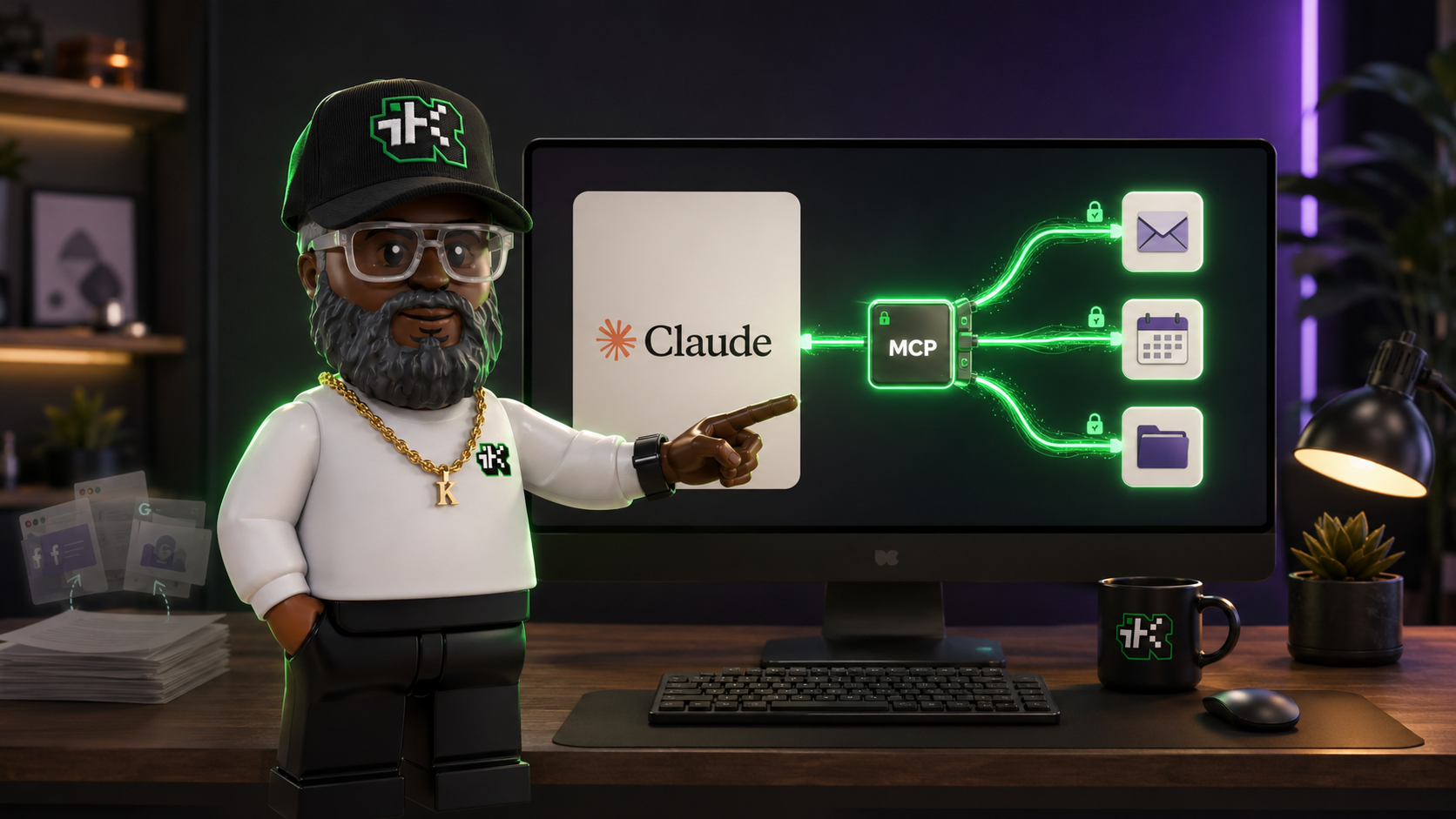
Rebuilding an action means setting up a custom MCP server plus technical setup. An MCP server is a small program that exposes a tool or data source to an AI in a standard format. If that sounds unfamiliar, what MCPs are, in plain language covers it. In an Enterprise workspace, you may also need extra admin permissions.
If your GPT relies on an action, plan the most time for it. Check whether the service the action called already has a connected app in ChatGPT's Plugin Directory. That's my suggestion, not something the FAQ promises, but it would spare you the custom build.
Model choice, conversations, and sharing
Four things are left behind:
- Selected model. The plugin does not carry the model you picked for the GPT.
- Existing conversations. Past chats with the GPT don't move.
- Public sharing settings. Migration doesn't carry over your GPT's sharing settings.
- Existing users' access. People who used your GPT don't automatically get access to the plugin.
That last one matters if you built a GPT for a team, a class, or clients. Sharing a plugin publicly takes a separate plugin submission process. Inside a workspace, sharing uses permissions called "Share plugins" (for individuals and groups) and "Publish plugins to workspace" (for a directory listing).
How to migrate a custom GPT to a plugin
Once the migration option appears for your account, the process is four steps from OpenAI's FAQ, and I'd add two more around it.
- Back up first. Copy your GPT's instructions and download your knowledge files to your own storage. The original GPT stays available (read-only) after migration, but it stops running on December 11, so you want your own copy. This step is my recommendation.
- Publish the latest version. Migration uses the last published version. Publishing doesn't require public sharing, so you can publish to "only me" to get your newest edits included.
- Open My GPTs and select Migrate to plugin on the GPT you want to move.
- Review the migration details and follow the instructions to create the plugin.
- Test the plugin. Run the same 3 to 5 prompts you'd normally give the GPT and compare the answers. Pay close attention to anything that used an action.
- Reshare it. Give access to the people who used the GPT, since they won't get it automatically.
After migration, the original GPT stays but can't be edited, and you can't delete it.
Who can migrate: a GPT's creator or a workspace admin. In an Enterprise workspace, an admin has to enable plugins, the GPT must be published, and people using the migrated plugin need the "Use plugins" permission. Having permission to use someone else's GPT does not give you permission to migrate it.
What if you use a GPT someone else built?
You can't migrate a GPT you don't own. OpenAI says to check the notice on the GPT and any guidance from its creator about a replacement. Access to the original GPT also doesn't come with access to a replacement plugin.
If a GPT you depend on matters to your daily work, message the creator now and ask whether they plan to migrate it. If they don't, copy down what the GPT does (the kinds of prompts and outputs you get) so you can rebuild something similar yourself.
Will it cost anything?
OpenAI's FAQ addresses cost only for Enterprise workspaces. There, using a migrated GPT without apps in Instant Chat has no incremental cost. Creating and editing plugins through a conversation uses Work or Codex, and actions in Work consume credits. (For more on what Work is and how it's priced, see the ChatGPT Work vs Claude Cowork comparison.)
The FAQ doesn't spell out costs for Free, Plus, or Pro accounts, so check your own account notices before assuming anything.
Which GPTs are worth migrating?
Not every GPT deserves a rebuild. Sorting them takes about 10 minutes and saves you from rebuilding GPTs you no longer use.
- Instructions and files only, used regularly: migrate these first. They map cleanly onto a plugin skill with reference files, and there's little to rebuild.
- Connected apps, used regularly: migrate, then test that each app connection works.
- Custom actions, used regularly: decide if the action is worth rebuilding as an MCP server or a connected app. If a coworker or developer built the original action, ask them now, before December.
- Shared with a team or clients: migrate, then plan the resharing. Budget time to tell people where the new version lives.
- Rarely used or abandoned: skip them. Save the instructions somewhere in case you want them later, and let the GPT retire.
If you'd rather not rebuild inside ChatGPT
The instructions and files you saved in step 1 aren't locked to OpenAI. A well-written instruction set works as a starting point for a Claude Project or skill as well, and the guide to switching from ChatGPT to Claude walks through what to bring with you. Actions will still need a rebuild anywhere you go, so the effort there is similar either way.
What to do this week
Open your My GPTs list and write down every GPT you've built, who uses it, and whether it has actions. Then back up the instructions and files for the ones you'll keep. That's a 30-minute job, and it means the December 11 date can't cost you your work regardless of when the migration button appears for your account.
Sources:
Custom GPT retirement and migration FAQ, OpenAI Help Center ·
ChatGPT release notes, OpenAI Help Center ·
Plugins in ChatGPT and Codex, OpenAI Help Center